
Screenshots

App details
- Version
- 8.25 | 8.24
- Size
- 38.47 MB
- Updated
- July 13, 2020
- Requires
- Windows XP
- Language
- English
- License
- Free
- Developer
- Hitek Software
- Category
- Windows OS
SoftPas in:
This product is also available in the following languages:
About JaBack
Download JaBack – Free, Secure ZIP Backup Tool for Windows
Overview
In today’s data‑driven world, losing a single folder can mean the loss of years of work, cherished photos, or critical business records. JaBack steps in as a lightweight, yet powerful backup utility designed specifically for Windows users who value simplicity and reliability. The program creates automated backups of files and folders, compressing them into standard ZIP archives that can be opened with any common unarchiver such as WinZip, WinRAR, or the built‑in Windows Explorer ZIP handler. Because the output format is universally recognized, you never need to install a proprietary reader to retrieve your data.
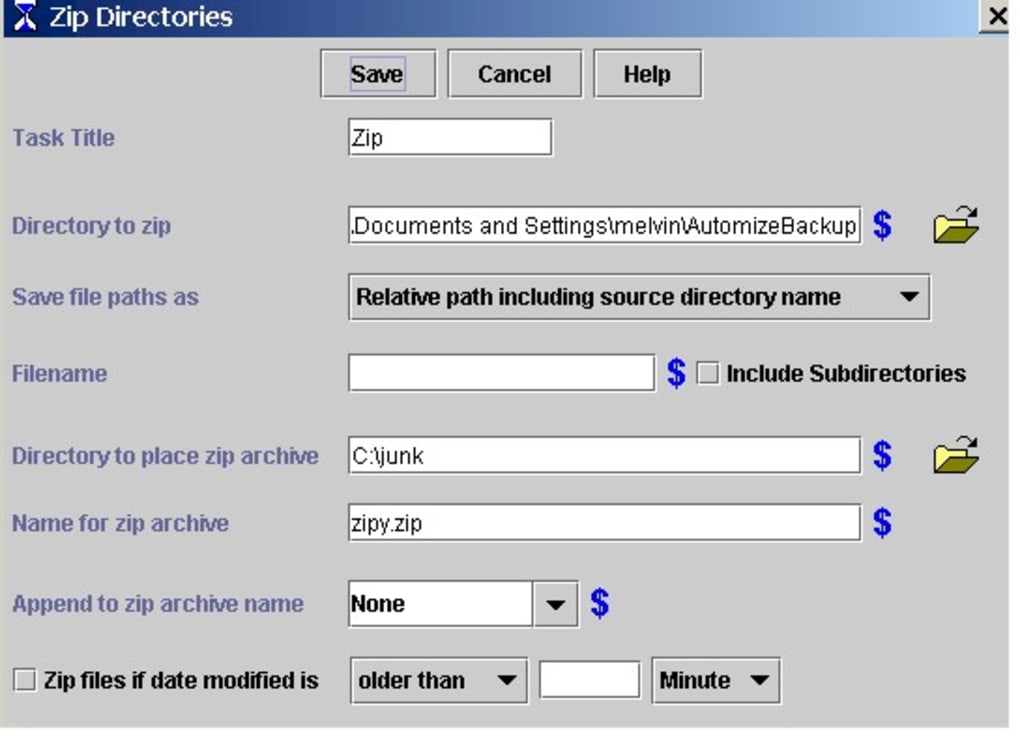
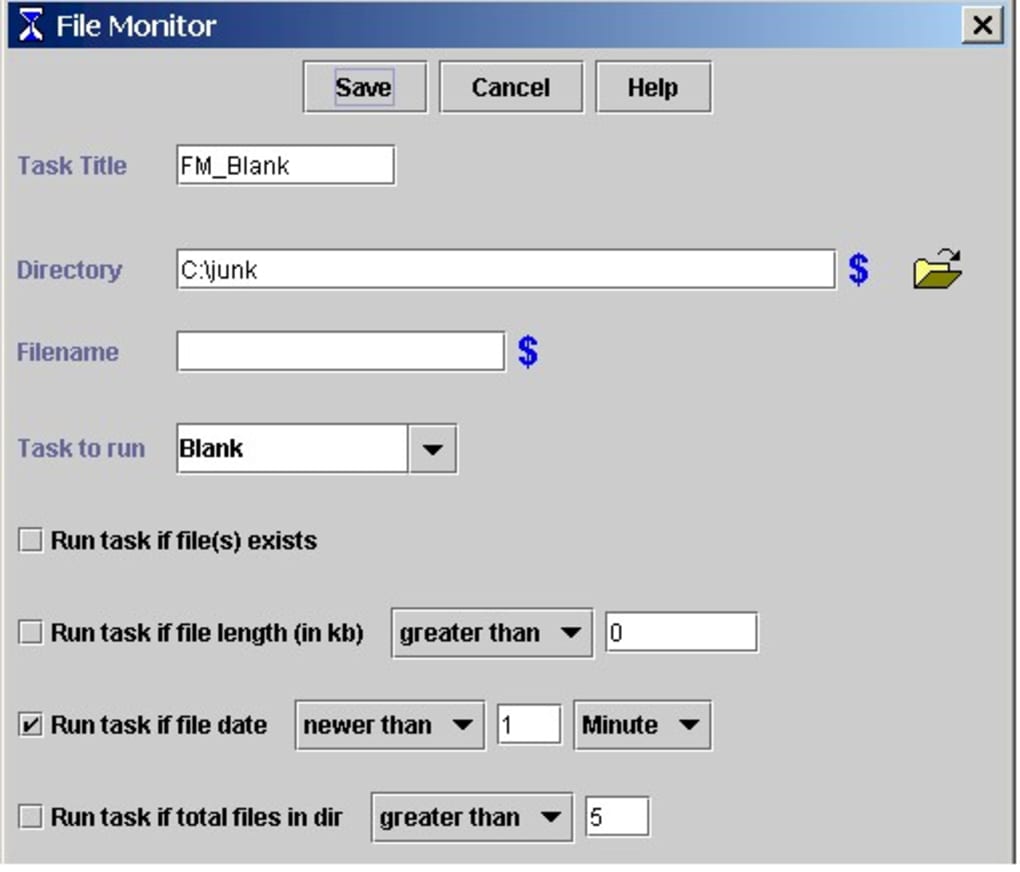
Automation is at the heart of JaBack. Users can schedule daily, weekly, or monthly backups, define custom naming conventions that embed dates or timestamps, and even employ wildcards to include or exclude specific file patterns. If a backup fails, JaBack immediately notifies you by email, ensuring you’re never left guessing whether your critical files are safe. The tool also supports optional FTP uploads and email delivery, giving you the flexibility to store backups on remote servers without a full‑blown cloud service.
While JaBack does not yet offer built‑in cloud synchronization, its focus on fast, secure ZIP creation, straightforward scheduling, and transparent failure alerts makes it an excellent choice for users who prefer local storage or have limited internet bandwidth. The interface is clean, the learning curve shallow, and the performance, although slightly slower on the first run, improves as the program builds an index of your source directories. In short, JaBack delivers a dependable, cost‑free solution for anyone looking to safeguard their data without the overhead of complex backup suites.
Key Features
- Automated scheduled backups (daily, weekly, monthly)
- ZIP archive output compatible with any standard unarchiver
- Custom filename templates with date and time placeholders
- Wildcard support for selective file inclusion/exclusion
- Email notifications for successful or failed backup jobs
- Optional FTP upload for remote storage
- Built‑in email delivery to a configured SMTP server
- Lightweight footprint – runs quietly in the background
- Simple UI with drag‑and‑drop source selection
- Free for personal and commercial use
Each feature is designed to reduce manual effort and eliminate the common pitfalls of ad‑hoc backups. For instance, the custom filename templates let you embed {YYYY}-{MM}-{DD} directly into the archive name, making chronological sorting a breeze. Wildcard support means you can back up only *.docx files from a massive directory, saving both time and storage space. The email alerts integrate with any mail client, giving you instant feedback without needing to check a log file.
JaBack also shines in its FTP capability. After a backup completes, the program can automatically push the ZIP file to an FTP server of your choice, allowing you to maintain an off‑site copy without purchasing a dedicated cloud service. This is especially useful for small businesses or freelancers who need a cost‑effective disaster‑recovery plan. The combination of local ZIP archives and optional remote storage provides a balanced approach to data protection.
Installation, Usage & Compatibility
Step‑by‑Step Installation
Downloading JaBack is straightforward. Visit the official website, click the “Download Free” button, and save the installer (approximately 5 MB) to your PC. Run the .exe file, accept the license agreement, and follow the on‑screen prompts. The installer automatically detects a compatible Windows version (Windows 7, 8, 8.1, 10, or 11) and places shortcuts in the Start menu and on the desktop. No additional runtimes or frameworks are required, making the setup process painless even for non‑technical users.
Getting Started with Your First Backup
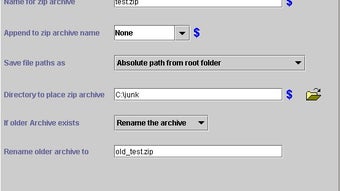
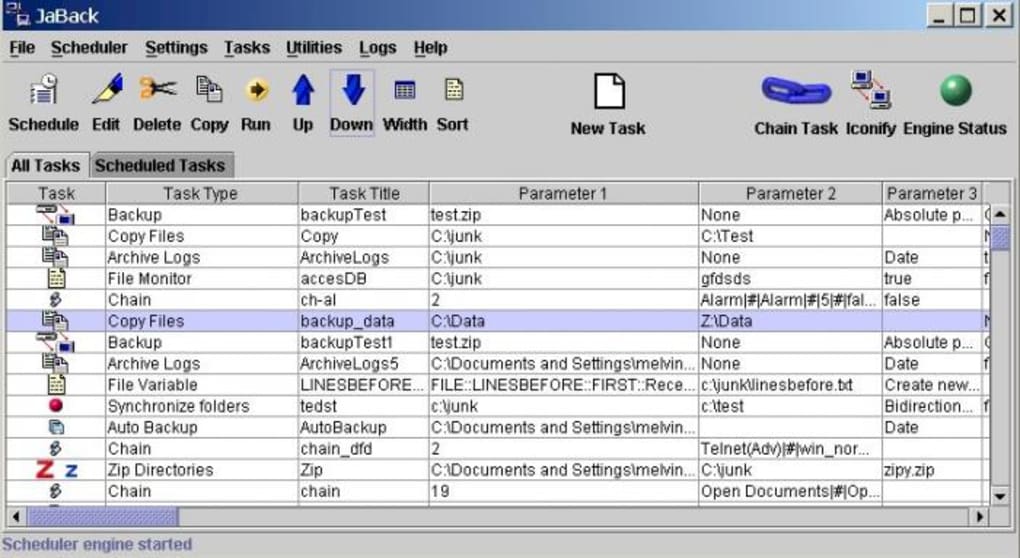
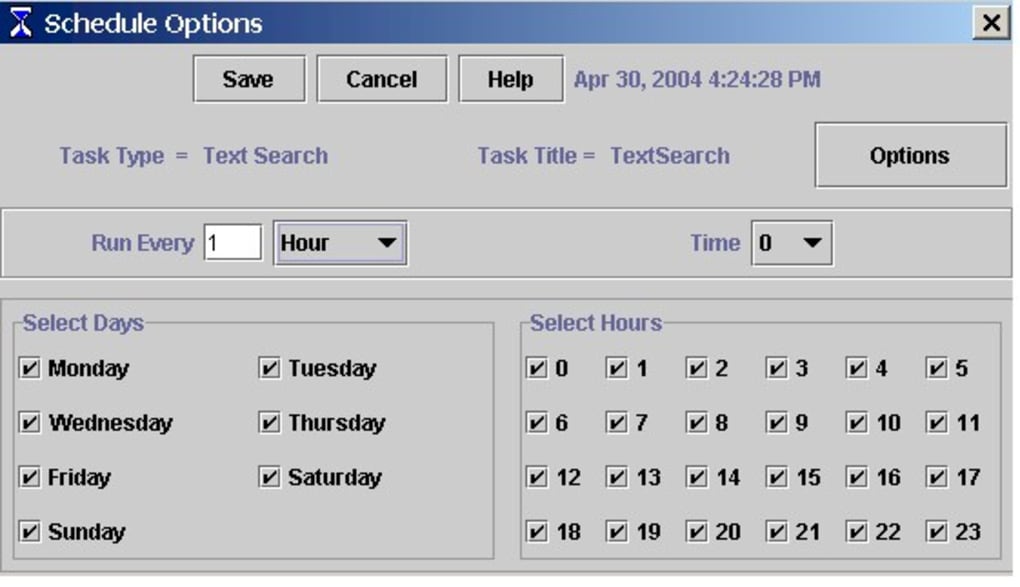
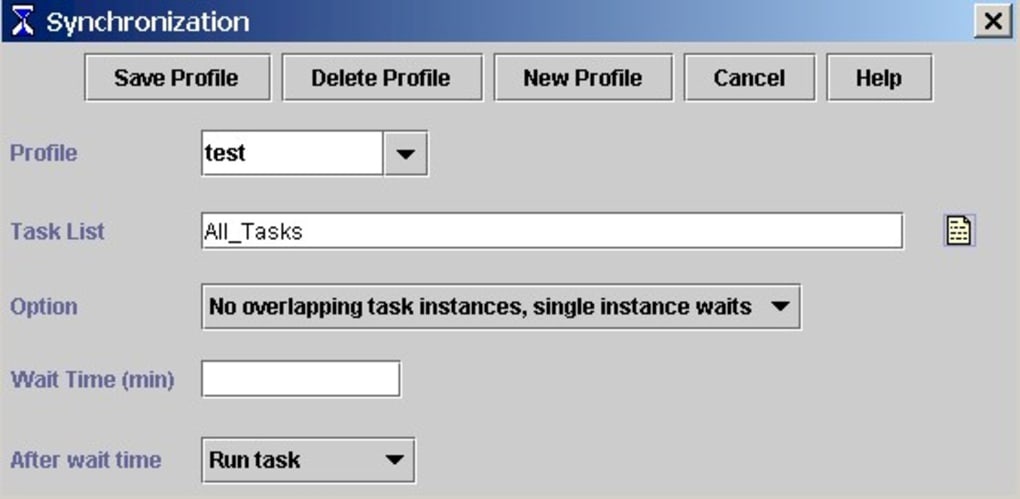
After installation, launch JaBack. The main window presents three tabs: Sources, Schedule, and Destination. Drag the folders you wish to protect into the Sources pane, then click the Schedule tab to define when backups should run. Choose a frequency, set a start time, and optionally enable “Run on system startup.” In the Destination tab, pick a local folder for the ZIP archive, or enter FTP credentials if you prefer remote storage. Finally, click “Save Profile” and hit “Run Now” to test the configuration.
Operating System Support
JaBack is built exclusively for Windows operating systems, supporting versions from Windows 7 onward. The software runs natively on 64‑bit systems, and there is a lightweight 32‑bit version for legacy machines. While there is no native macOS, Linux, Android, or iOS client, the generated ZIP files can be opened on any platform, ensuring cross‑device accessibility of your backups.
Updates are delivered through an automatic updater that checks for new versions each time JaBack starts. Users receive a notification when a newer release is available, and a single click installs the update without losing existing backup profiles.
Pros, Cons, FAQ & Conclusion
Pros & Cons
- Pros:
- Free, no hidden fees or trial limitations
- Standard ZIP output – universally readable
- Robust scheduling with custom date/time naming
- Email alerts keep you informed of failures
- FTP and email delivery options for remote backup
- Cons:
- No built‑in cloud synchronization (e.g., OneDrive, Google Drive)
- Initial backup can be slower on very large data sets
- Lacks advanced features like incremental backups or encryption
Frequently Asked Questions
Can JaBack encrypt my ZIP archives?
The current free version does not include encryption. However, you can protect the ZIP file with a password using external tools like 7‑Zip after the backup completes.
How does JaBack handle files that are in use during backup?
JaBack skips files locked by the operating system and logs them in the backup report. You will receive an email notification indicating which files were omitted.
Is there a limit to the size of a backup archive?
No hard limit is imposed by JaBack. The practical limit is the file system’s maximum file size (e.g., 4 GB for FAT32, much higher for NTFS).
Can I back up to multiple destinations simultaneously?
JaBack allows you to define one primary local destination and optionally a secondary FTP or email delivery. For multiple local folders you would need to create separate backup profiles.
What happens if a scheduled backup fails?
An automatic email is sent to the address configured in the settings, detailing the error code and which files could not be processed. You can then re‑run the backup manually.
Conclusion & Call to Action
JaBack strikes a solid balance between simplicity and functionality. By delivering reliable, ZIP‑based backups with flexible scheduling, email alerts, and optional FTP uploads, it equips Windows users with a trustworthy safety net without the bloat of enterprise‑grade solutions. Although it lacks built‑in encryption and cloud sync, the free price tag and universal archive format make it an attractive option for home users, freelancers, and small offices that prioritize control over their data.
Ready to protect your files with a secure, automated ZIP backup? Download JaBack now and start building a resilient backup strategy today.
Guides & Tutorials
How to install JaBack
- Click the Download button above.
- Once redirected, accept the terms and click Install.
- Wait for the JaBack download to finish on your device.
How to use JaBack
This software is primarily used for its core features described above. Open the app after installation to explore its capabilities.
User Reviews
No reviews yet. Be the first to share your experience.
You may also like
more
Llama 2
Free-to-use large language model As the new addition to Meta’s arsenal of langua...

NotebookLM
Revolutionizing the note-taking and idea-generation process NotebookLM is an exp...

Github co pilot
AI-inspired software development and coding platform GitHub Copilot is a browser...

Google Gemma
Google’s lightweight AI models Introducing Google Gemma , a family of cutting-ed...

AI Image Enlarger
A free app for Windows, by ai-image-larger. AI Image Enlarger is a free software...

DALL E
AI-driven text-to-image transformation engine DALL·E is a free graphic and desig...